
Start with the approved product
Keep the pack shot and brand references visible as the generation context for every scene.
AI product photography
Generate hero, detail, and lifestyle scenes while keeping the approved product visible for comparison.
10 free credits every UTC day. No card or subscription required.
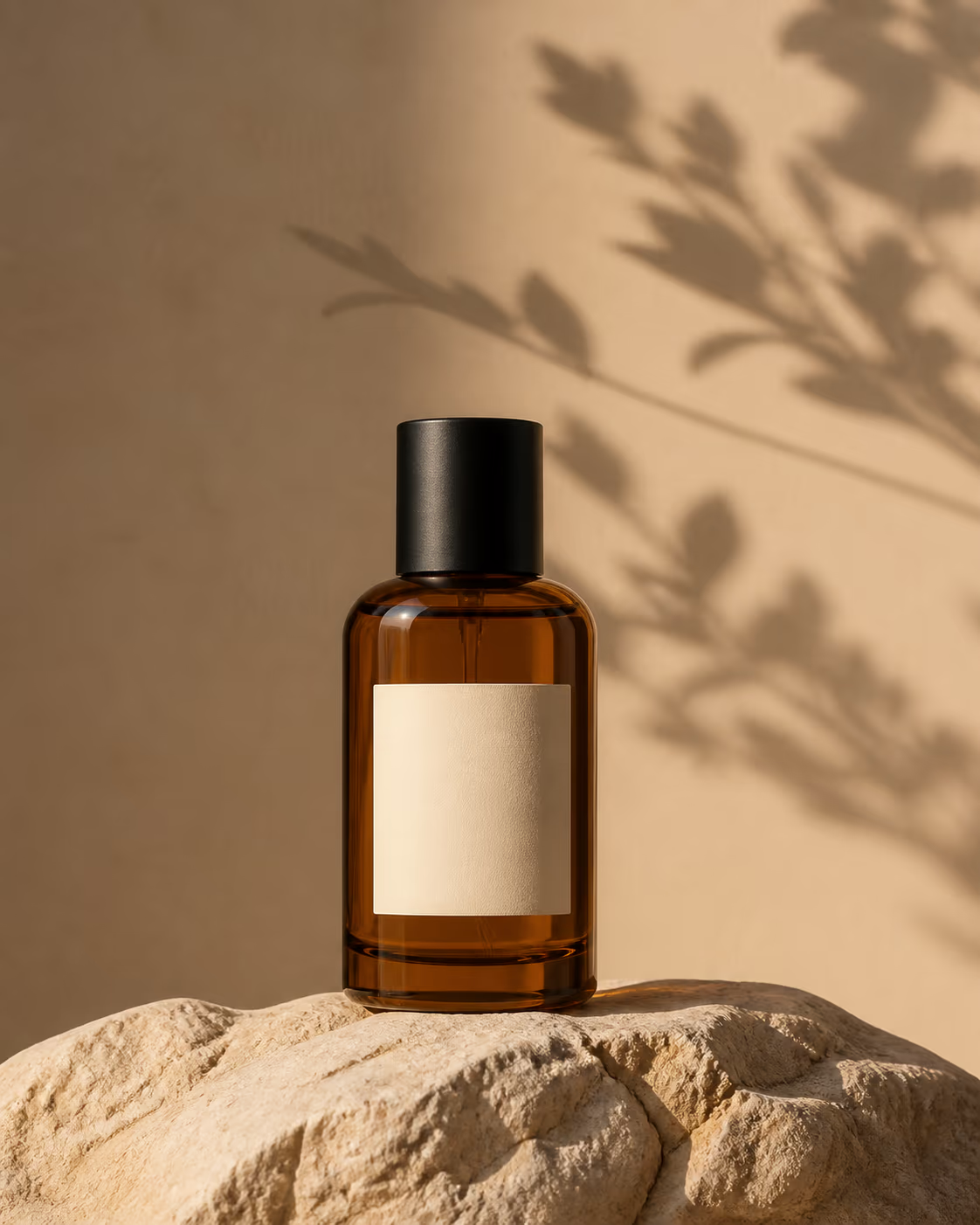 Approved reference
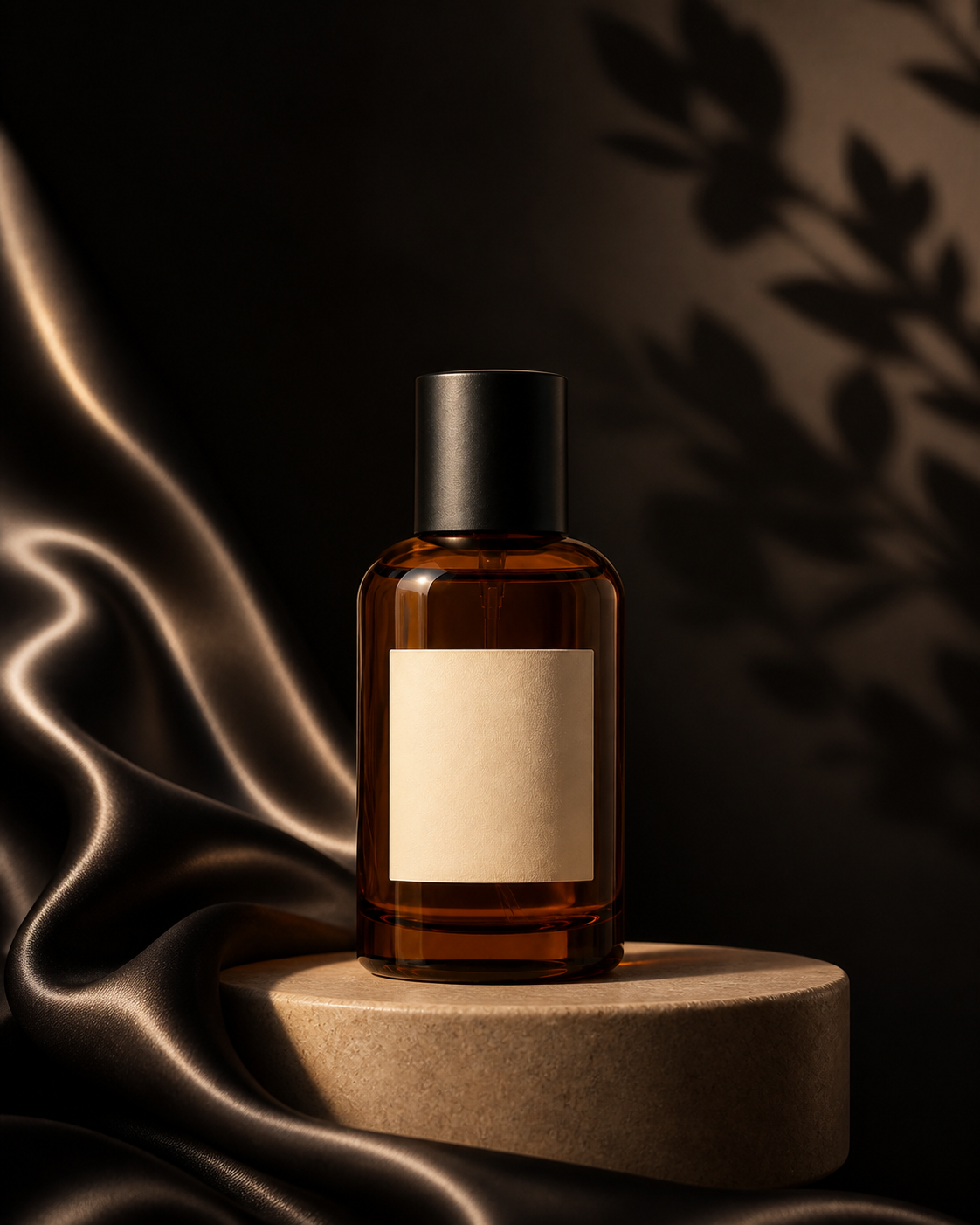 Hero scene
 Style referenceDetail crop
Launch image family
Keep the source product beside the hero result, material direction, and detail crop so consistency stays reviewable.
Starting prompt“Place this product in a warm editorial set with champagne silk, directional afternoon light, and premium ecommerce detail.”
Move from an approved reference to styled scenes without losing the source product or the context used to generate each result.
Keep the pack shot and brand references visible as the generation context for every scene.
Generate hero, material, detail, and lifestyle directions from the same visible product reference.
Inspect product details beside the source, refine the strongest results, and export the finished composition.
What to expect when using your own product image, reviewing product consistency, and exporting a finished composition.
Yes. Upload images to the asset panel and place or select them as context on the Studio canvas.
Model capabilities vary. Use high-quality source references and review all generated product details before publishing.
Yes. The Studio supports canvas export while source assets remain available in the project.
Sign in with Google and start with today’s free credits. No card required.
Open CubbieAI Studio